How to find photos of planes you've flown on as a passenger
Export your flight history from the Flighty app and upload the file to Flown and Found. It searches spotter photo sites such as JetPhotos, Planespotters.net and Airliners.net for each aircraft you flew on, and keeps only photos taken at your departure or arrival airport on the day you flew. Flighty's export usually leaves out the aircraft's registration, which every photo search needs, so you add it from the Flighty app, or members have it looked up for them.
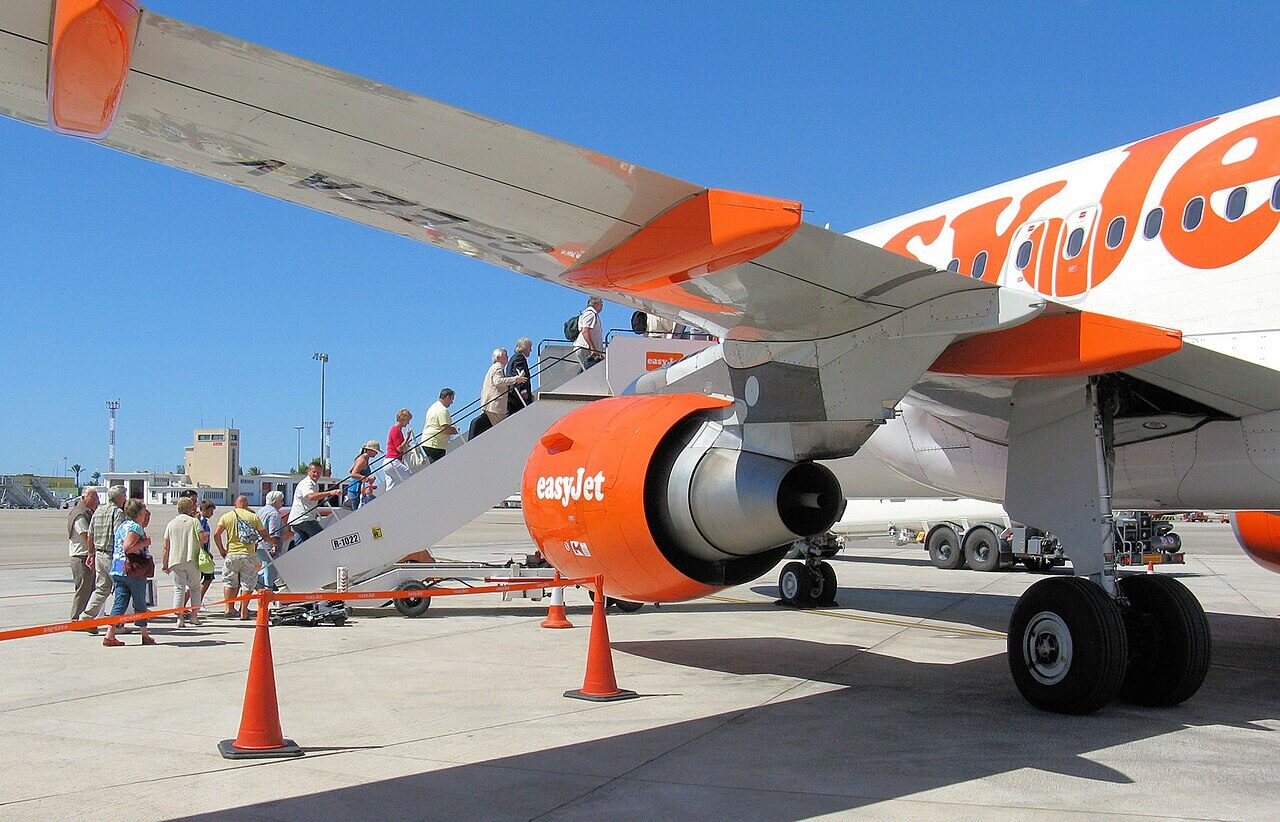 © Adrian Pingstone · Public domain · Wikimedia Commons
Your aircraft has almost certainly been photographed
Spotters photograph airliners at airports every day and post them online with the registration, the airport and the date. 99% of the aircraft in the logbooks on Flown and Found have at least one photo online. A photo from the day you flew is far rarer: about 2% of flights.
If you log your trips in Flighty, you already have most of what a search needs: the date, the flight number and both airports. The one thing missing is which aircraft it was.
How to find it by hand
- Find the registration. The Flighty app shows it on the flight. A flight tracking site such as FlightAware names it too. Keep the hyphen: Concorde was
G-BOAC, notGBOAC. - Search it on each photo site. Where to find aircraft photos online shows how.
- Look for your airport and your date. The date the photo was taken, not posted, at the airport you left from or landed at.
- Check it was your visit. An airliner can call at the same airport two or three times a day. Where the photo gives a time, compare it with your departure.
That is one search per flight, per site, and most find nothing.
Let Flown and Found search for you
- Export your flight history from Flighty. It comes out as a CSV file.
- Upload it unchanged on the Import page. Flighty files are recognised automatically, and uploading is free.
- Add the aircraft. Flights with a registration are searched straight away. The rest wait on Review under “Which aircraft?”: type each registration from the Flighty app, one flight at a time. Members don’t need to: we look each one up from the flight number and date and fill it in.
Then every flight is searched the way a pilot’s logbook is:
- Five spotter sites, including JetPhotos, Planespotters.net and Airliners.net, by the aircraft’s registration.
- Only photos taken at your departure or arrival airport, on the date you were there in that airport’s own time zone.
- Each match says how sure it is, from “That’s you” where flight tracking shows your aircraft was only there once that day, to “Worth a second look”.
- Photos arrive late, so each flight is looked at again 4, 10, 17 and 26 weeks after it, then at 9 months, a year and two years.
- No photo is copied. Each stays on the photographer’s own page, with their name on it.
See which of your flights were photographed. It is free to join, and your flights are private to you.
Questions
Why doesn't my Flighty export include the tail number?
Flighty's export usually leaves out the aircraft's registration, even though the app shows it on each flight. Flights that have one are searched straight away. The rest wait on Review for the registration to be added.
Do I have to type in every registration?
No. Members have it looked up for them: we find the aircraft from the flight number and date, fill it in, and search as normal. Otherwise, type in the flights you care about most.
Is it free?
Joining and uploading your Flighty history are free, with no card needed. A free account is told how many photos we find; members see them.
What about cancelled or diverted flights?
Cancelled flights are held back, because they never flew. A diverted flight goes to Review so you can correct the airport it actually landed at.
Written . All guides