Import your logbook
Export your logbook from ForeFlight as a CSV file, or save it as an Excel spreadsheet, and upload it on the Import page. You see a preview before anything is saved, and any row we can't read waits on Review with the reason, rather than being guessed.
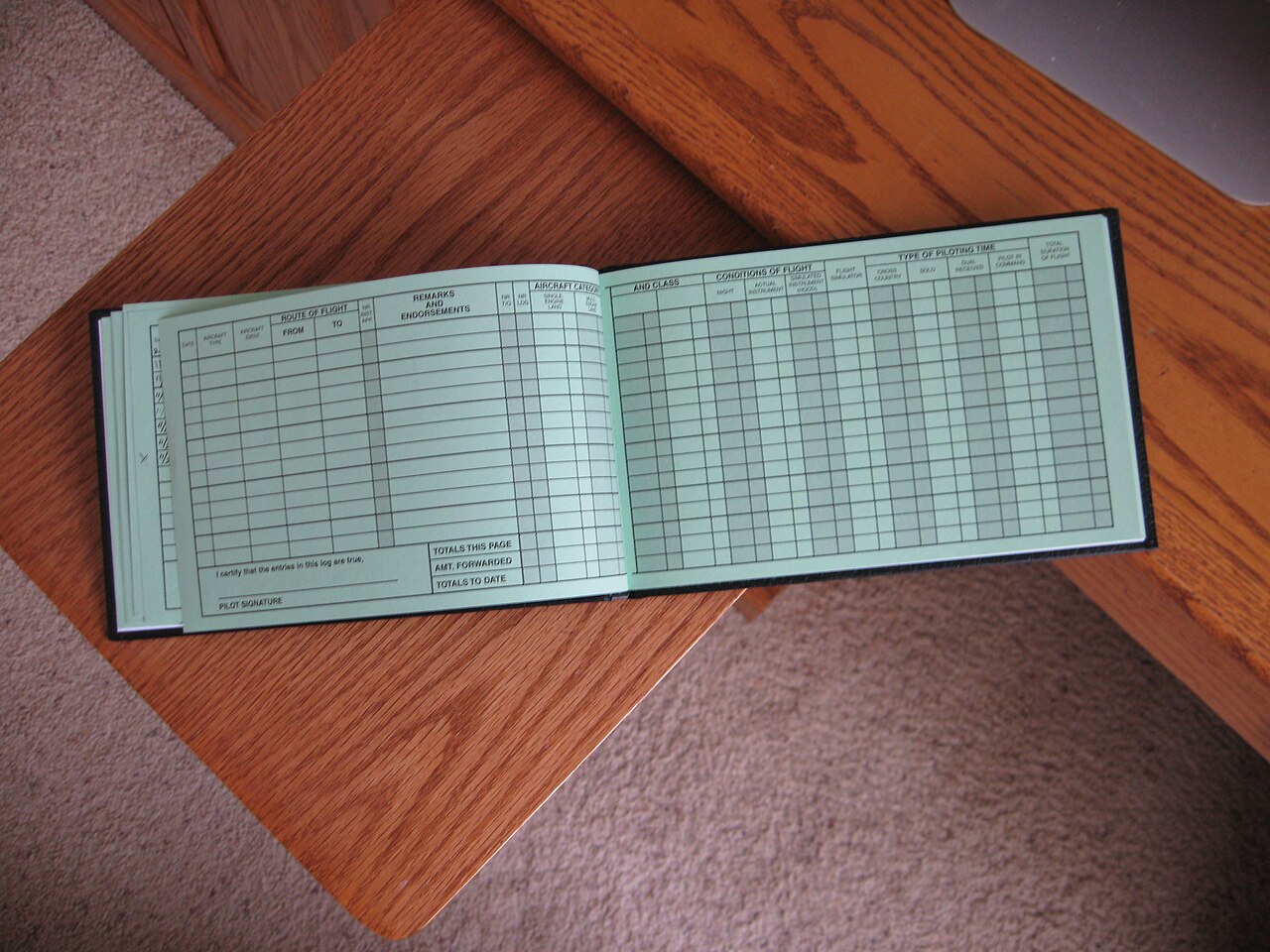 © Basil Newburn · CC BY-SA 3.0 · Wikimedia Commons
From ForeFlight
- Sign in to ForeFlight on the web from a computer.
- Open Logbook, then Export, and download the CSV file. Or, under the Logbook’s Settings, turn on Export to Email, choose CSV and press Export Now to have the file emailed to you. Both are described in ForeFlight’s help.
- Upload it unchanged on the Import page. The file starts with a table of your aircraft before the flights, and we use it to fill in each aircraft’s type.
From an Excel spreadsheet
- Upload the
.xlsxor.xlsfile itself. One flight to a row works best, with the column headings at the top. - Headings can sit over two rows, such as “Departure” over “Place”. We join them up.
- If the workbook has several sheets, we read the biggest one and tell you which. If that’s the wrong one, save the right sheet on its own and upload that.
- Dates stored as real Excel dates are read exactly. Dates typed as text are worked out from the file itself: we look at all of them to tell day-first from month-first. A row the file doesn’t settle goes to Review rather than being read one way on a guess.
What we read
- The date of each flight.
- The aircraft registration, kept exactly as you wrote it.
- The departure and arrival airports, as ICAO or IATA codes.
- Off-block and on-block times, where your logbook has them.
- The aircraft type and the flight number, where present.
The registration, airports and date are what we need to search for photos. Times are optional, but they help: they let us pick out your flight among the others the aircraft flew that day.
What we leave out
- Names of people you flew with. Never imported.
- Simulator sessions. Recognised from your logbook’s own simulator column and held back, because they are not flights. The preview lists them, and you can tick any you want anyway.
- Flights that haven’t happened yet, and rows with no aircraft recorded. Also held back and listed, so you can choose.
Rows we can’t read
We never guess. A row we can’t read confidently goes to Review with a plain reason, such as an airport code that isn’t a real airport. You can correct it there, and if the same wrong code appears on many rows, one correction fixes all of them.
Ready? Sign up free, then open Import. Already have an account? Log in.
Questions
What if I upload the same file twice?
Nothing is doubled. Flights already in your logbook are recognised and only new ones are added, so you can upload a fresh export whenever you have flown more.
My logbook uses three-letter airport codes. Is that a problem?
No. We read four-letter ICAO codes and three-letter IATA codes, even mixed in one file.
Who can see my logbook?
Only you. The names of people you flew with are never imported, and you can download or delete everything whenever you like.
Do I have to tidy the file first?
No. Upload it as it comes out of ForeFlight or Excel. Nothing is saved until you have seen the preview and pressed Import.
Written . All guides